PoE on Industrial PCs: Powering Cameras and Sensors from the PC
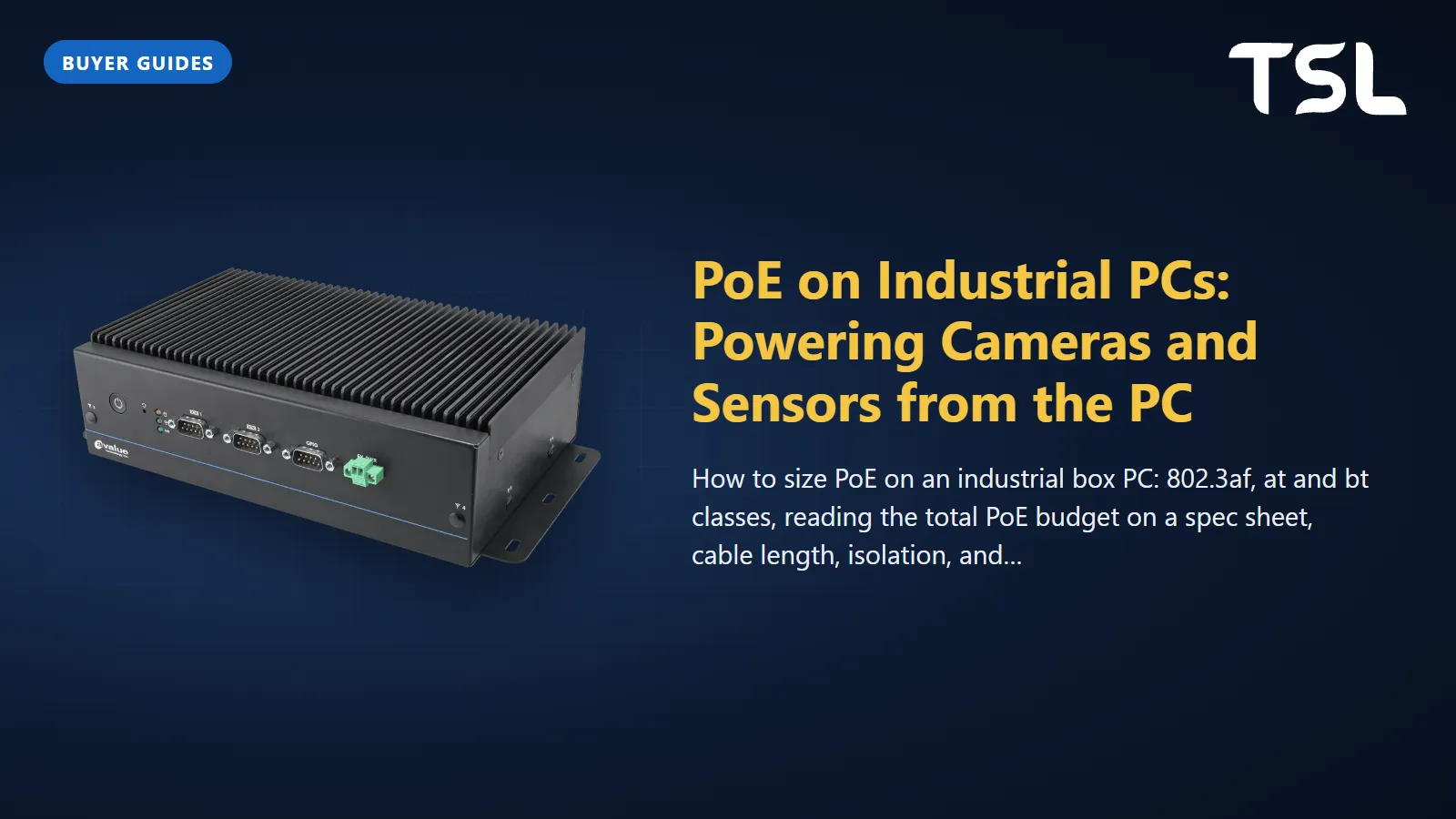
Table of Contents
A PoE industrial PC has power sourcing ports built in, so one Ethernet cable carries both data and DC power from the PC to a camera or sensor, up to 100 m away. Size it with two numbers: the per-port standard (802.3af gives up to 15.4 W at the port, 802.3at up to 30 W, 802.3bt up to 90 W) and the total PoE budget the PC shares across all its PoE ports, which is often less than ports multiplied by the per-port maximum.
This guide explains the standards and classes, shows how to read the PoE line on a box PC record, and covers cable length, isolation and the point where a separate PoE switch is the better design.
How PoE works on a box PC
The standard defines two roles: Power Sourcing Equipment (PSE), which supplies power, and the Powered Device (PD), such as an IP camera, which draws it (DigiKey). A PoE box PC is a PSE, like a PoE switch. Before applying power, the PSE detects that a valid PD is connected, then classifies it to learn how much power it may draw; only then does it switch the power on. A plain Ethernet device on the same port gets data only.
The PoE output comes from the PC's own power input. Every watt you deliver to cameras is a watt (plus conversion losses) the PC's DC supply must provide on top of its own load, so size the cabinet power supply for the PC and the PoE budget together. On some systems the PoE option even changes the input: the record for the AIB-NINX-S lists 9 to 36 V DC for the standard model and a 48 V DC input for the PSE model.
802.3af vs 802.3at vs 802.3bt
There are three generations of the standard, organised as four device Types. The figures below are from the Ethernet Alliance's overview of 802.3bt, by authors from Philips Lighting and Texas Instruments.
| Standard (Type) | Year | Classes the PSE supports | Max power at the PSE port | Max power at the PD | Pairs used |
|---|---|---|---|---|---|
| 802.3af (Type 1), "PoE" | 2003 | 0 to 3 | 15.4 W | 13 W | 2 |
| 802.3at (Type 2), "PoE+" | 2009 | 0 to 4 | 30 W | 25.5 W | 2 |
| 802.3bt (Type 3) | 2018 | 1 to 6 | 60 W (30 W if 2-pair only) | 51 W | 2 or 4 |
| 802.3bt (Type 4) | 2018 | 7 and 8 (and all lower) | 90 W | 71.3 W | 4 |
The difference between the port and device columns is what the cable is allowed to lose. DigiKey gives 12.95 W as the power guaranteed at an 802.3af device; the Ethernet Alliance rounds it to 13 W. The 2018 date for 802.3bt is from DigiKey.
Classes
The class is what the PD announces and what the PSE allocates. Per the Ethernet Alliance:
| Class | 1 | 2 | 3 | 4 | 5 | 6 | 7 | 8 |
|---|---|---|---|---|---|---|---|---|
| PSE output | 4 W | 7 W | 15.4 W | 30 W | 45 W | 60 W | 75 W | 90 W |
| PD input | 3.84 W | 6.49 W | 13 W | 25.5 W | 40 W | 51 W | 62 W | 71.3 W |
Class 0 is an alias for Class 3 (same power). The generations interoperate, but only downwards in power: an 802.3at camera on an 802.3af port is recognised and limited to 13 W, which may mean its heater, IR illuminator or PTZ motor will not run. Classes 5 to 8 always use all four pairs.
Per-port rating vs total PoE budget
A port that "supports 802.3at" can deliver up to 30 W, but that does not mean every port can do it at once. Many box PCs share one PoE power budget across all their PoE ports. Read the record for three things: how many of the RJ45 ports are PoE (often not all of them), which standard each supports, and the total. Here is what the Avalue records on our site state, quoted exactly:
| Model | PoE line on the record | What it means |
|---|---|---|
| EMS-TGL-PSE | PSEBF: "6 x RJ45, 4 ports support IEEE 802.3af, total 60W". PSEBT: "4 x RJ45, 2 ports support IEEE 802.3at, total 60W" | Two different PoE modules. On PSEBT, the 60 W total matches two ports at full 802.3at allocation (2 x 30 W). On PSEBF, four full Class 3 ports would need 61.6 W, just over the total. |
| VMS-CFS-PSE(RJ45) | "4 x PoE ports support IEEE 802.3at/af, total 60W", plus 2 more RJ45 without PoE | Four 802.3at ports at 30 W each would be 120 W, twice the budget (worked example below). |
| EMS-EHL-PSE | PSEBF: "6 x RJ45, support 4 ports IEEE 802.3af". PSEBT: "4 x RJ45, support 2 ports IEEE 802.3at" | No total is listed. Ask for it before you plan a full load. |
| AIB-NINX-S (Jetson Orin NX) | Optional PSE board: "4×RJ45 ... IEEE802.3af Compliant", "4×15W ( IEEE802.3af )" | Per-port figure given, no separate total. Confirm whether 15 W is the output at the connector (802.3af allows 15.4 W). |
| AIB-NIAO-S (Jetson AGX Orin) | Optional PSE board: "8×RJ45 ... IEEE802.3af Compliant", "8×15W ( IEEE802.3af )" | As above, for eight cameras. Do not assume 120 W total; the record does not state one. |
| VMS-RPPS (in-vehicle) | "4 x RJ-45 (Support PoE as BOM option)" | PoE is a factory build option with no budget on the record. Its operating range drops from -40 to 65°C to -40 to 60°C on the PoE build. |
The VMS-RPPS line shows something easy to miss: a PoE build can carry a lower temperature rating than the same box without it, so check the rating of the exact build you order.
Worked example: four cameras on a 60 W budget
Take the VMS-CFS-PSE(RJ45) with "4 x PoE ports support IEEE 802.3at/af, total 60W", and four cameras:
- Two PTZ cameras that need 802.3at (Class 4): a PSE allocating by class reserves 30 W each, 60 W in total. The budget is already used.
- Two fixed 802.3af cameras (Class 3) would ask for 15.4 W each, another 30.8 W, which the PC cannot grant on a class basis.
- Whether they power up depends on how the PSE allocates: by announced class, or by the power actually measured. The record does not say, so ask the supplier, or plan on class allocation (the safe case).
The fixes are to choose lower-class cameras, power the PTZ cameras from a PoE switch, or split the load across two PCs. Write the table out for your own devices: device, class, worst-case watts from its datasheet (with heater or IR on), then the sum against the record's total.
Cable length and cable quality
PoE runs on normal Ethernet cable up to 100 m (DigiKey), the same limit as the data link. Within that, two things matter:
- Resistance: the power lost in the cable is the gap between the PSE and PD columns above. The Ethernet Alliance notes that 802.3bt guarantees correct operation up to a maximum pairset DC loop resistance of 12.5 ohms, and that using four pairs instead of two halves cable losses (Ethernet Alliance). DigiKey lists Cat5e cable for 802.3bt; use good-quality Cat5e or better throughout.
- Midspan injectors: DigiKey notes that some midspans put power only on the spare pairs, which cannot work on gigabit links that use all four pairs (DigiKey). Check this before adding an injector to a gigabit camera.
If cameras sit more than 100 m from the PC, put a PoE switch near the cameras and run fibre or a single uplink back to the PC.
Isolation and surges
IEEE 802.3 requires the PSE to provide electrical isolation that withstands either 1500 Vrms at 50 to 60 Hz for 60 seconds or 2250 V DC for 60 seconds, as Texas Instruments summarises in its application report on surge protection for PoE PSE. Isolation is not the same as surge protection: the TI report explains that whether lightning surge protection is needed depends on the environment the PSE operates in and its inherent isolation. For cameras on outdoor poles, on other buildings, or on long runs beside power cables, plan surge protection on those lines.
The Avalue records above do not state a PoE isolation or surge rating, so ask for it if your cabling leaves the cabinet. Note that other isolation figures on a record (for example the GPIO isolation on the VMS-CFS-PSE(RJ45)) refer to other interfaces, not the PoE ports.
When to use a PoE switch instead
PoE on the PC is ideal for a compact cell: a few cameras or sensors within 100 m, one cabinet, fewer power supplies and cables. A separately powered industrial PoE switch is the better design when:
- Devices need 802.3bt. None of the specification tables for the Avalue systems above list 802.3bt on their PoE ports, so 45 W to 90 W devices (heated PTZ domes, some lighting, small displays) need a bt switch or injector.
- The sum exceeds the PC's budget, as in the worked example.
- You need more ports than the PC has, or room to add cameras later.
- Devices are far from the PC, beyond the 100 m copper limit.
- Cameras must stay up when the PC restarts: with PC-based PoE, a PC reboot or fault also removes power from every camera.
Switches have shared budgets too: DigiKey gives the example of a 200 W endspan that works out to about 8.3 W per port across 24 ports (DigiKey). Read the switch total the same way. For managed vs unmanaged and ring redundancy, see what is an industrial Ethernet switch.
PoE sizing checklist
- List every powered device with its class and worst-case watts from its datasheet.
- Check each device's standard against the port (af, at or bt).
- Add the PSE-side allocation and compare it with the total on the PC record; if the record gives none, ask.
- Add the PoE total to the PC's own consumption when sizing the DC supply.
- Check cable runs (100 m maximum) and cable quality.
- Decide on surge protection for any run that leaves the cabinet.
- Check the operating temperature of the PoE build, not the base model.
For the cameras, lenses and lighting these ports will power, read machine vision system components. For vehicle builds such as the VMS-CFS-PSE(RJ45) and VMS-RPPS, our in-vehicle PC buying guide covers ignition control and power input.
How TSL can help
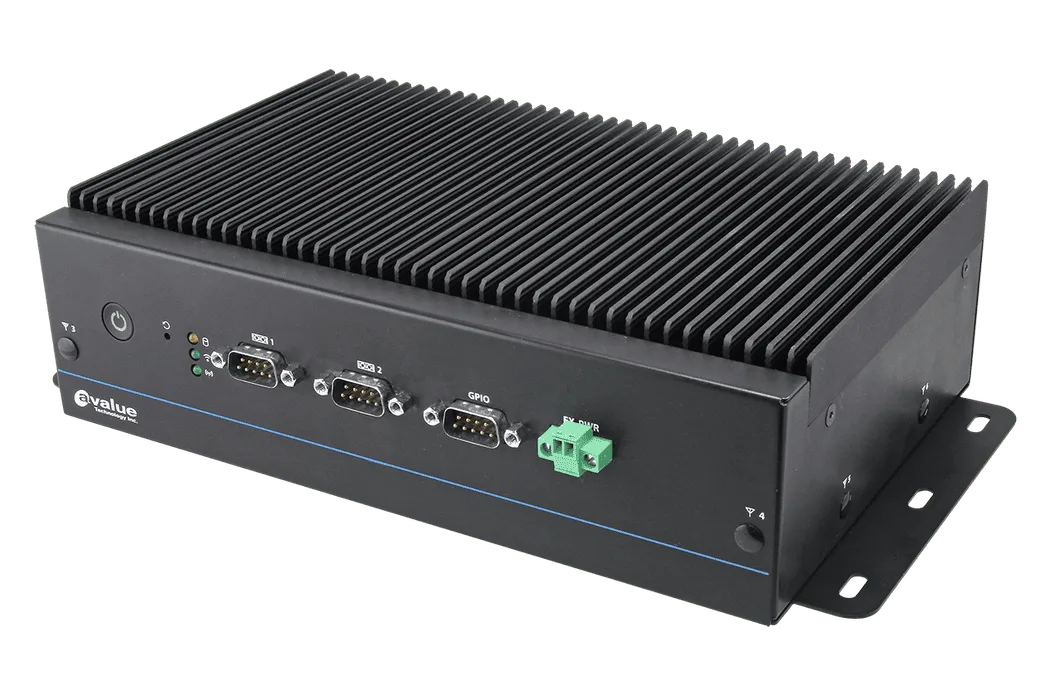
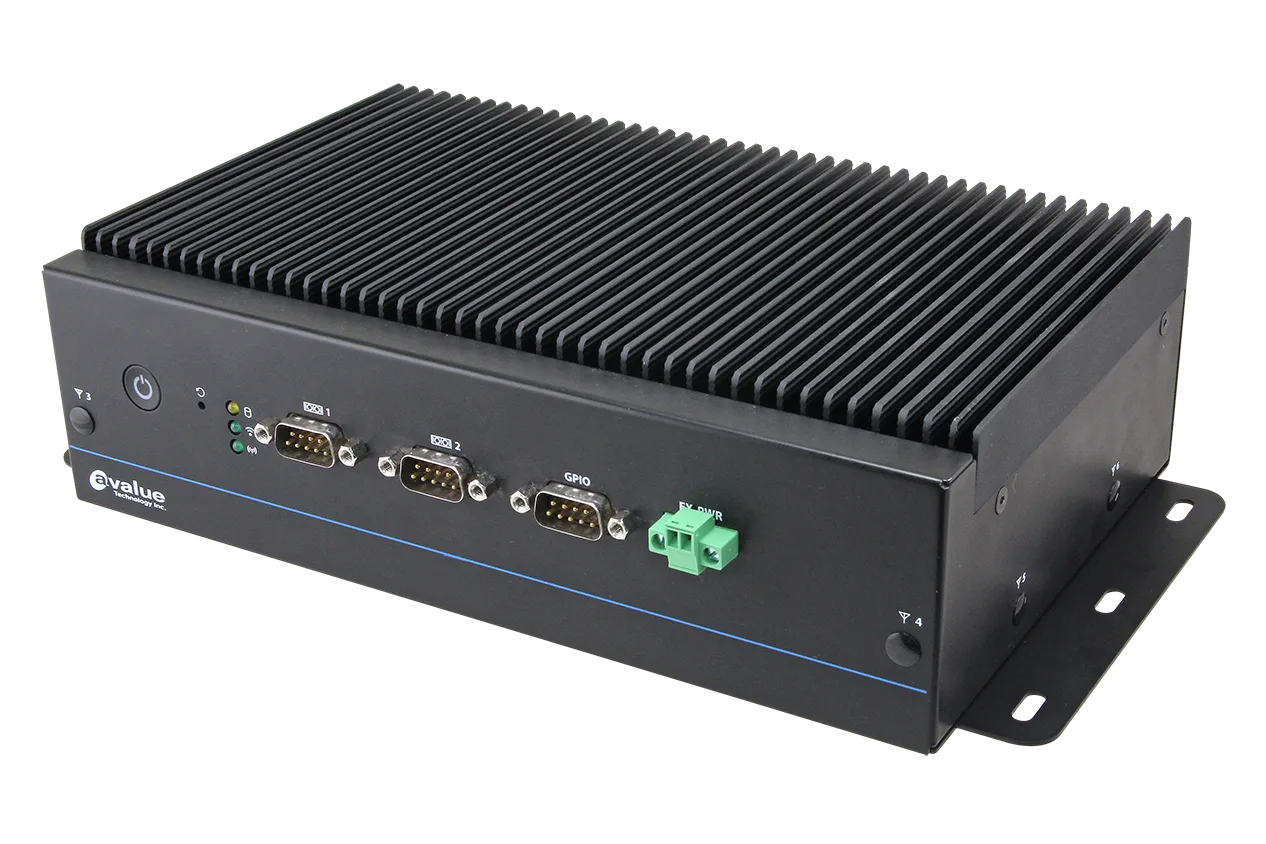
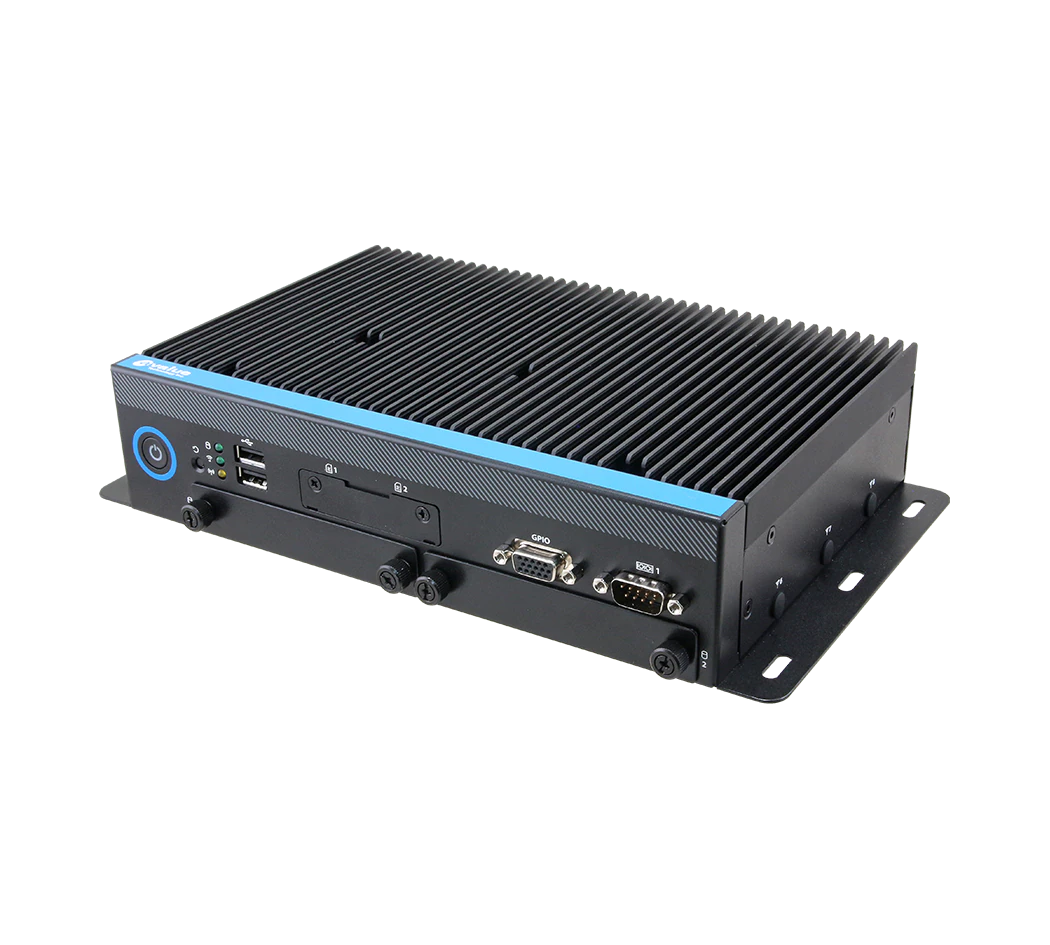
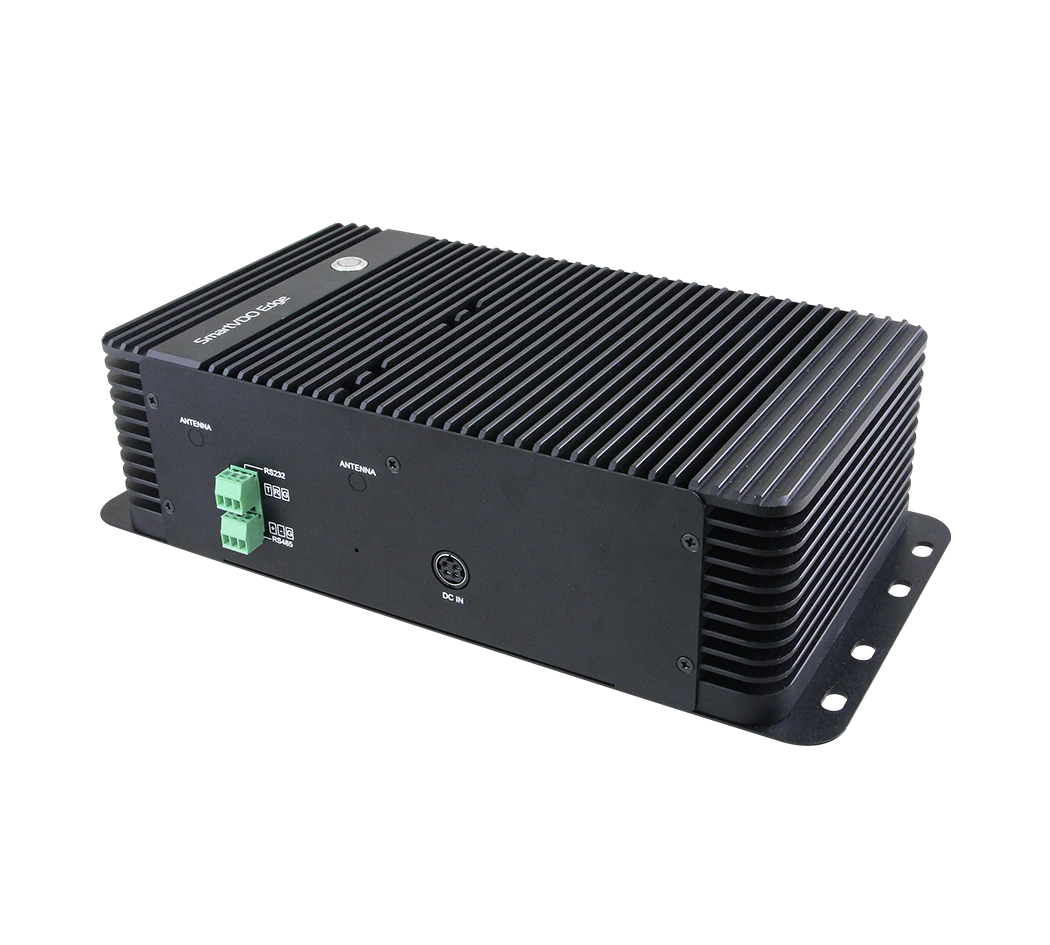
TSL Automation Solutions, based in Mumbai, has been an authorised Avalue and Cermate distributor since 2015 and ships worldwide. For PoE projects we supply Avalue fanless box PCs with PoE modules (EMS-TGL-PSE, EMS-EHL-PSE), in-vehicle systems (VMS-CFS-PSE(RJ45), VMS-RPPS) and NVIDIA Jetson AI systems with optional PSE boards (AIB-NINX-S, AIB-NIAO-S). Use the product finder or put two models side by side in the compare tool. With your enquiry, list each powered device with its PoE class and datasheet wattage so the ports, total budget and operating range can be checked against the specification sheets.
Send us the model numbers and quantities and we will reply with availability and lead time within one business day.
Frequently Asked Questions
TSL Automation Solutions
Head of Marketing, TSL Automation Solutions
Sanjana covers industrial automation trends, product launches, and technology insights for TSL Automation Solutions, a Mumbai-based distributor of HMI, Panel PC, and embedded computing systems serving manufacturers across India and globally.
Need help choosing the right product?
Our team in Mumbai can recommend the right HMI, Panel PC, or embedded system for your application.
Contact TSL Automation