Windows 11 IoT Enterprise LTSC 2024 on Industrial PCs: What to Ask
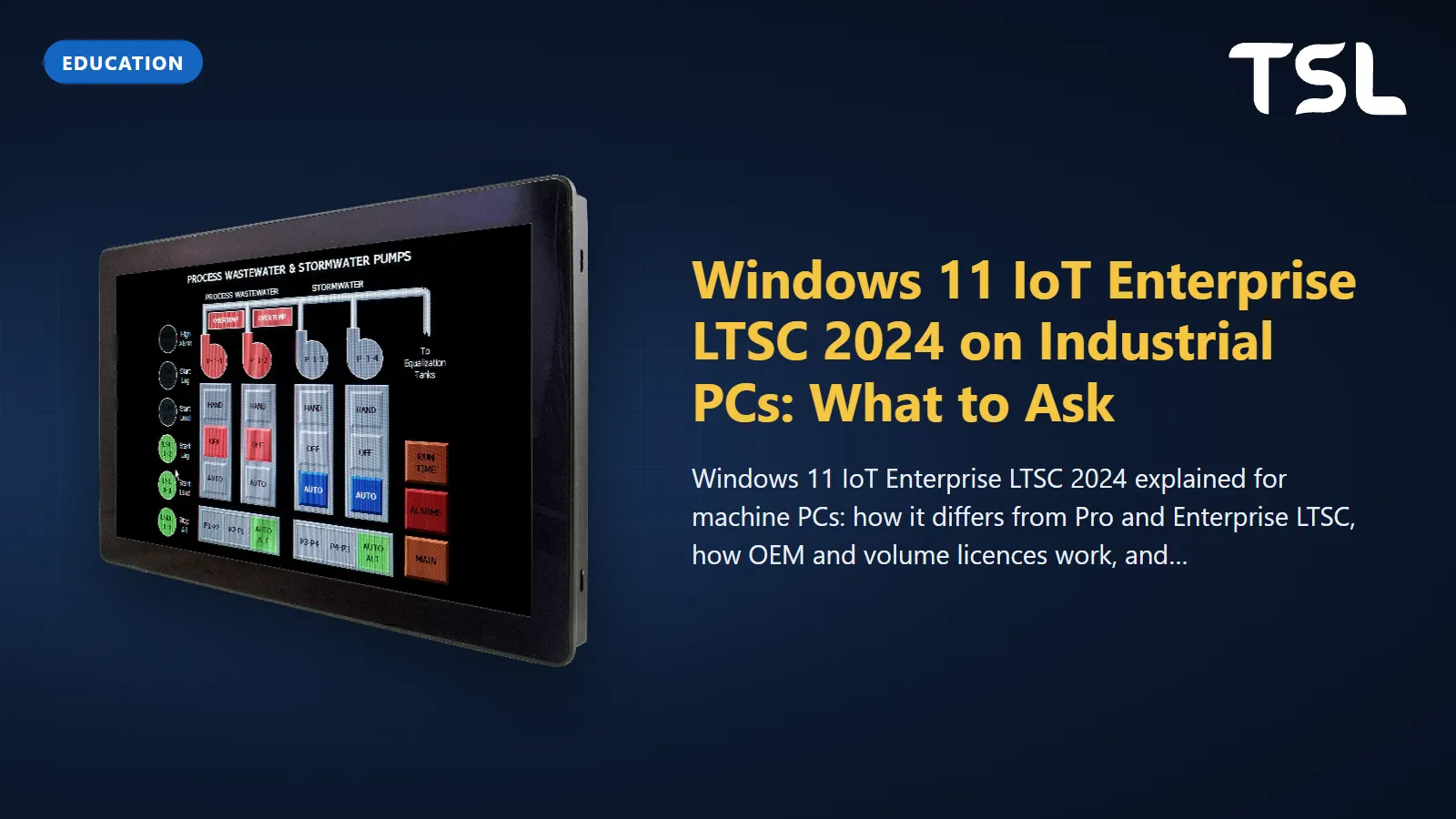
Table of Contents
Windows 11 IoT Enterprise LTSC 2024 is the edition of Windows 11 that Microsoft builds for fixed-purpose devices such as machine controllers, HMIs and kiosks. It has the full Windows Enterprise feature set, a frozen feature set with monthly security and quality updates until 10 October 2034, and lower minimum hardware requirements than other editions. It is licensed differently from Windows 11 Pro (normally preinstalled by the device maker under an OEM licence, or added to existing devices through volume licensing), so when you buy an industrial PC, ask the supplier exactly which edition is on the image and how the licence reaches you.
Windows 11 editions compared for machine PCs
Four editions come up when people specify a Windows PC for a machine. The differences that matter are how long a release is supported and whether it keeps changing underneath your application.
| Edition | Feature updates | Support per release | Microsoft positions it for |
|---|---|---|---|
| Windows 11 Pro | A new version each year | 24 months from release (lifecycle FAQ) | General-purpose PCs |
| Windows 11 IoT Enterprise (General Availability Channel) | A new version each year | 36 months from release (IoT FAQ) | Fixed-purpose devices that can take frequent feature updates |
| Windows 11 Enterprise LTSC 2024 | None during the release | 1 Oct 2024 to Oct 2029 (lifecycle) | Special-purpose devices in an organisation |
| Windows 11 IoT Enterprise LTSC 2024 | None during the release | 1 Oct 2024 to 10 Oct 2034 (what's new) | Fixed-purpose devices whose features must not change |
The IoT LTSC lifecycle page splits its ten years into mainstream support to October 2029 and extended support to October 2034. The non-IoT Enterprise LTSC 2024 has only the first part. Microsoft's LTSC overview adds that the channel is not meant for most PCs in an organisation, only for special-purpose devices, and the IoT FAQ is direct about the rest: Windows Enterprise, Pro and Home are designed for general-purpose computing and are not recommended for fixed-purpose devices.
For a machine that will be validated once and then run for years, the choice usually comes down to IoT Enterprise LTSC. A Pro installation would need a feature update roughly every two years to stay supported, and each one is a change you would have to retest.
Windows 11 IoT Enterprise vs Pro: what is different
The Windows IoT Enterprise overview describes it as a binary equivalent of Windows Enterprise, so it runs the same applications and uses the same management tools. According to the Windows IoT FAQ, it includes all the features of Windows Pro plus management, security and lockdown features such as Credential Guard, Unified Write Filter and Shell Launcher. For a machine builder those last two matter most:
- Unified Write Filter redirects writes to the drive into a virtual overlay that is cleared at reboot, so the machine restarts in a known state. Microsoft's UWF documentation lists it for Enterprise, Education and IoT Enterprise, not Pro, and updates have to be applied in UWF servicing mode.
- Shell Launcher replaces the Explorer shell with your HMI or SCADA application. The Shell Launcher overview notes that it does not on its own stop users reaching other applications, so pair it with policies such as AppLocker.
- Restricted User Experience (formerly multi-app kiosk mode) limits a shared device to a curated set of apps.
- Soft real-time: the FAQ says Windows IoT Enterprise can be configured for soft real-time to reduce jitter and delay in scheduled tasks. It is not a hard real-time OS; see our article on real-time computing in industrial automation for the wider topic.
The What's new page for LTSC 2024 adds a few points worth knowing before you build an image:
- It was first available to device makers on 22 May 2024 and is built on build 26100, with features similar to Windows 11, version 24H2.
- Removable package support grew from 20 to 36 packages, which helps trim an image.
- Internet Explorer is gone; IE mode in Microsoft Edge remains for old web pages.
- The Microsoft Store app is not preinstalled on LTSC, according to the FAQ; apps can still be installed from the web store or with WinGet.
Servicing: what LTSC does and does not get
LTSC is about a frozen feature set, not a frozen system. Windows IoT Enterprise receives security updates on the second Tuesday of each month, and both LTSC and non-LTSC editions can be updated through Windows Update, WSUS or Windows Update for Business. What LTSC does not get is feature updates: Microsoft does not publish them through Windows Update for LTSC devices. The application APIs and driver interfaces available at release stay the same for the life of the release.
New LTSC releases arrive roughly every three years. Moving from one to the next, for example from LTSC 2021 to LTSC 2024, needs a new licence and can be an in-place upgrade or a reinstall; Microsoft tells users to check with the device maker first that the upgrade is supported on that hardware. In practice, budget for one OS move per hardware generation, not one per year.
Licensing: OEM licence or volume licence
This is the part most often misunderstood. Windows 11 IoT Enterprise is not bought like a boxed copy of Pro: Microsoft's Windows IoT Enterprise licensing page sets out two routes:
| Requirement | OEM licence | Volume licence |
|---|---|---|
| New device | Yes | No |
| Upgrade an existing device | Yes | Yes |
| Transferable | Yes, to the end customer | No |
| Activation | OA3.0, ePKEA, PKEA | KMS, MAK |
What that means for a buyer:
- New PCs get an OEM licence from the device maker, who must enable the device for activation before it leaves the factory. The licence transfers to you with the hardware.
- Existing PCs can be moved to a newer release either through the device maker's upgrade licence or, if you have one, through a Microsoft volume licence agreement (Microsoft Customer Agreement, MPSA or Select/Select Plus). Microsoft notes that Windows IoT Enterprise is not currently available through the Enterprise Agreement program.
- Reinstalling usually needs a recovery image from the device maker that contains the drivers, applications and licence, per the FAQ.
Microsoft also offers a 90-day evaluation of Windows 11 IoT Enterprise LTSC 2024, which is useful for testing your application on a candidate PC before you order.
Hardware: processors and the TPM question
Two checks decide whether a given PC can run LTSC 2024. First, the processor family must be on Microsoft's supported Intel processor list for Windows 11 IoT Enterprise LTSC 2024, which runs from 8th Gen Core (Coffee Lake, Whiskey Lake) through 13th and 14th Gen (Raptor Lake) to Core Ultra, plus embedded families such as Elkhart Lake, Alder Lake-N, Amston Lake and Twin Lake. Second, the device maker must supply Windows 11 drivers for that board. Microsoft lists processor families by code name rather than part numbers, and its processor requirements page refers specific hardware questions to the OEM.
The LTSC edition does not strictly require TPM 2.0 or Secure Boot; Microsoft's IoT system requirements list them as preferred, with a looser optional set for specialised devices, and warn that leaving out the TPM can affect software the end user needs. We covered the full requirements table in our Windows 10 IoT end of support guide; for the TPM itself, see Secure Boot and TPM on industrial PCs.
How to check what a PC is actually running
Integrators sometimes ship machines imaged with whatever Windows media was to hand. The IoT FAQ lists ways to confirm the edition:
| Method | Windows IoT Enterprise LTSC shows |
|---|---|
| Settings, System, About, Edition | Windows 11 IoT Enterprise LTSC |
| Command: dism /online /get-currentedition | IoTEnterpriseS |
| PowerShell: Get-WindowsEdition -Online | IoTEnterpriseS |
| WMI OperatingSystemSKU | 191 (207 for the evaluation edition) |
A result of 207 on a production machine means it is running the 90-day evaluation edition, so ask for a properly licensed image.
Questions to ask your industrial PC supplier
- Which edition and release will be on the unit: Windows 11 IoT Enterprise LTSC 2024, IoT Enterprise (GAC), or something else?
- Is the licence an OEM licence that transfers to us, and how is it activated (OA3.0, ePKEA or PKEA)?
- Is the processor on Microsoft's supported list for LTSC 2024, and are Windows 11 drivers published for every on-board device, including touch, serial and any add-in I/O?
- Will you supply a recovery image, and does it include the drivers and licence?
- Is TPM 2.0 fitted and enabled, and does the BIOS boot in UEFI mode with Secure Boot available?
- If we later need the next LTSC release, will you offer an upgrade licence for this hardware?
- Can we have an evaluation unit, or test on the 90-day evaluation image first?
Avalue panel PCs and box PCs that list Windows 11
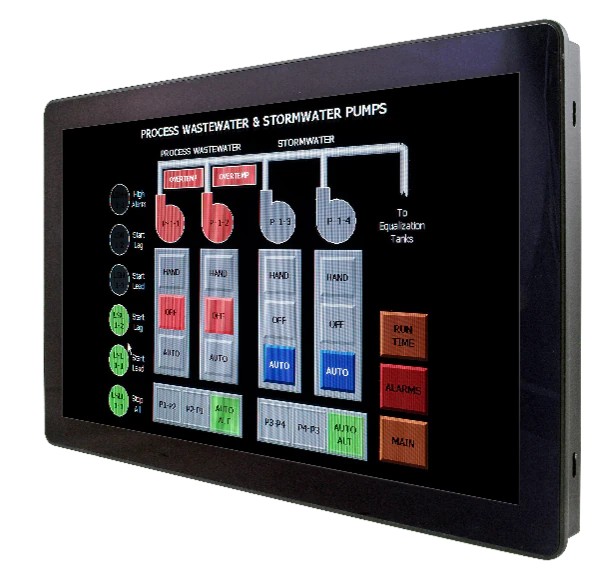
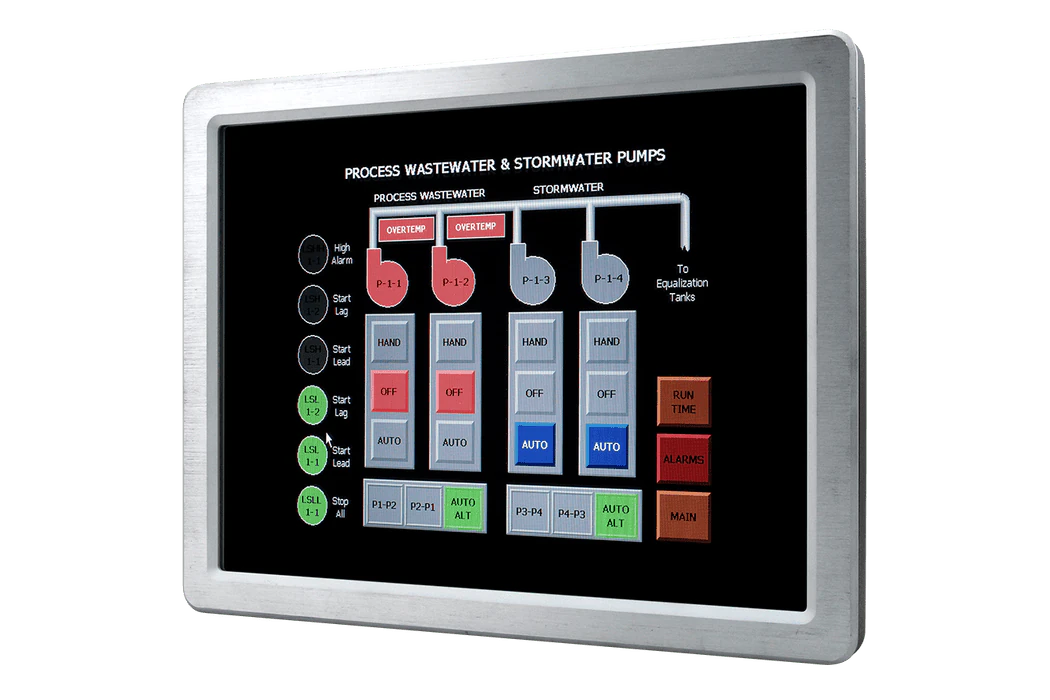
These current Avalue models list Windows 11 among their supported operating systems and carry TPM 2.0. Their spec sheets say "Win11", not a particular edition, so specify Windows 11 IoT Enterprise LTSC 2024 when you ask for a quote and confirm the OS image and licence with us at that stage. The family column is our reading of Microsoft's list against each spec sheet; confirm it for your exact processor.
| Model | Type | Processor (spec sheet) | Family on Microsoft's LTSC 2024 list | OS listed |
|---|---|---|---|---|
| ARC-1239 | 12.1" 1024x768 resistive fanless panel PC | Intel N97, Amston Lake X7433RE or Twin Lake N150 | Alder Lake-N, Amston Lake, Twin Lake | Win10 / Win11 / Linux |
| ARC-1242 | 12.1" 1024x768 resistive fanless panel PC | 13th Gen Intel Core 3/5/7 (Raptor Lake-PS) | Raptor Lake | Win10 / Win11 / Linux |
| ARC-18W42 | 18.5" Full HD PCAP fanless panel PC | 13th Gen Intel Core 3/5/7 (Raptor Lake-PS) | Raptor Lake | Win10 / Win11 / Linux |
| ARC-10W39 | 10.1" 1280x800 PCAP fanless panel PC | Intel N97, Amston Lake X7433RE or Twin Lake N150 | Alder Lake-N, Amston Lake, Twin Lake | Win10 / Win11 / Linux |
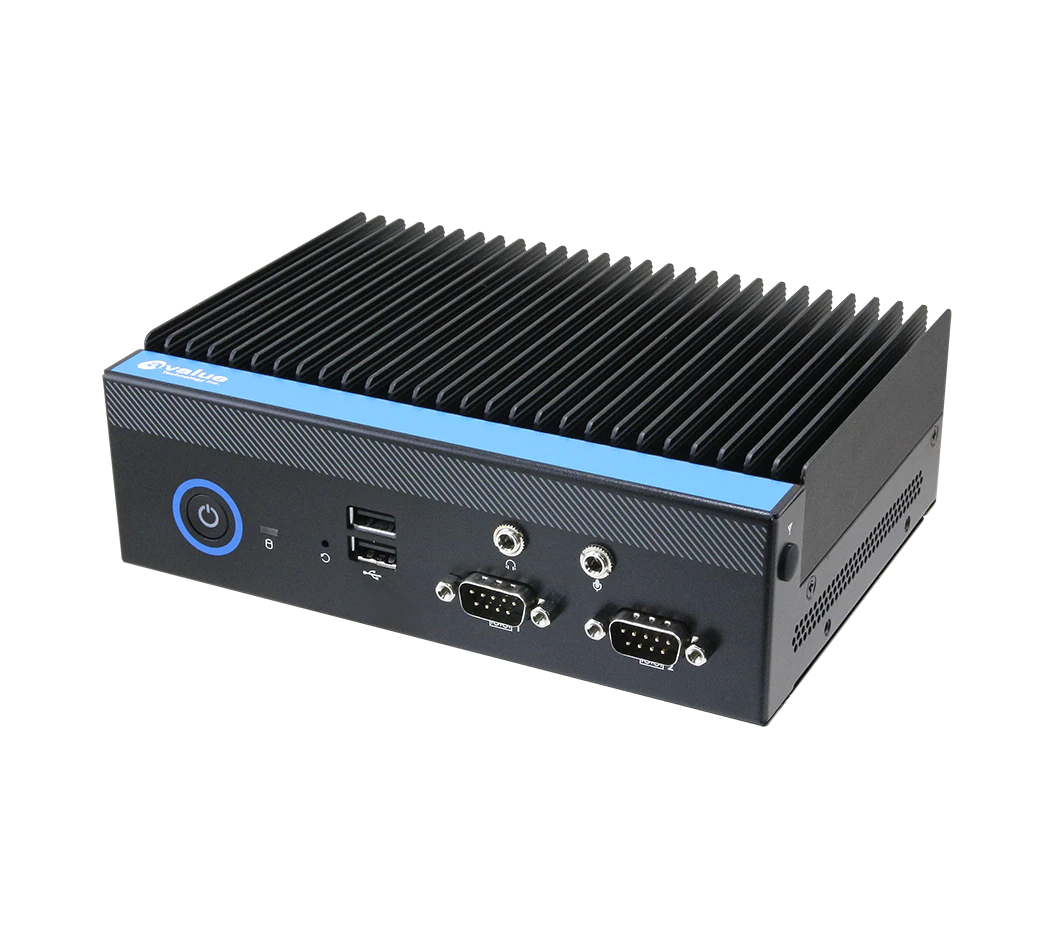
| EPC-RPU | Compact box PC | Intel Core i5-1335UE or i3-1315UE | Raptor Lake (13th Gen) | Win10 / Win11 / Linux |
| EPS-RPS | Expandable box PC, fanless at 35W | 13th Gen Intel Core i9/i7/i5/i3 TE (i5-13500E optional) | Raptor Lake (13th Gen) | Win 10 / Win 11 64-bit / Linux |
If you are building your own system around a board, the Avalue EMX-MTLP Thin Mini-ITX board (Intel Core Ultra 5 125U or 125H) is one of the records in our catalogue that names Windows 11 LTSC explicitly. For the hardware side of the choice, see our guide on how to choose an industrial panel PC.
How TSL can help
TSL Automation Solutions in Mumbai has been an authorised Avalue distributor since 2015 and ships worldwide. We can quote the ARC panel PC range and the EPC and EPS box PCs with Windows 11 support, and confirm the OS image and licence option with each quote. Describe your application in the product finder to narrow the list, then put two or three models side by side in the compare tool.
Send us the model numbers and quantities and we will reply with availability and lead time within one business day.
Frequently Asked Questions
TSL Automation Solutions
Head of Marketing, TSL Automation Solutions
Sanjana covers industrial automation trends, product launches, and technology insights for TSL Automation Solutions, a Mumbai-based distributor of HMI, Panel PC, and embedded computing systems serving manufacturers across India and globally.
Need help choosing the right product?
Our team in Mumbai can recommend the right HMI, Panel PC, or embedded system for your application.
Contact TSL Automation