Windows 10 IoT LTSB 2016 End of Support: What to Do With Machine PCs
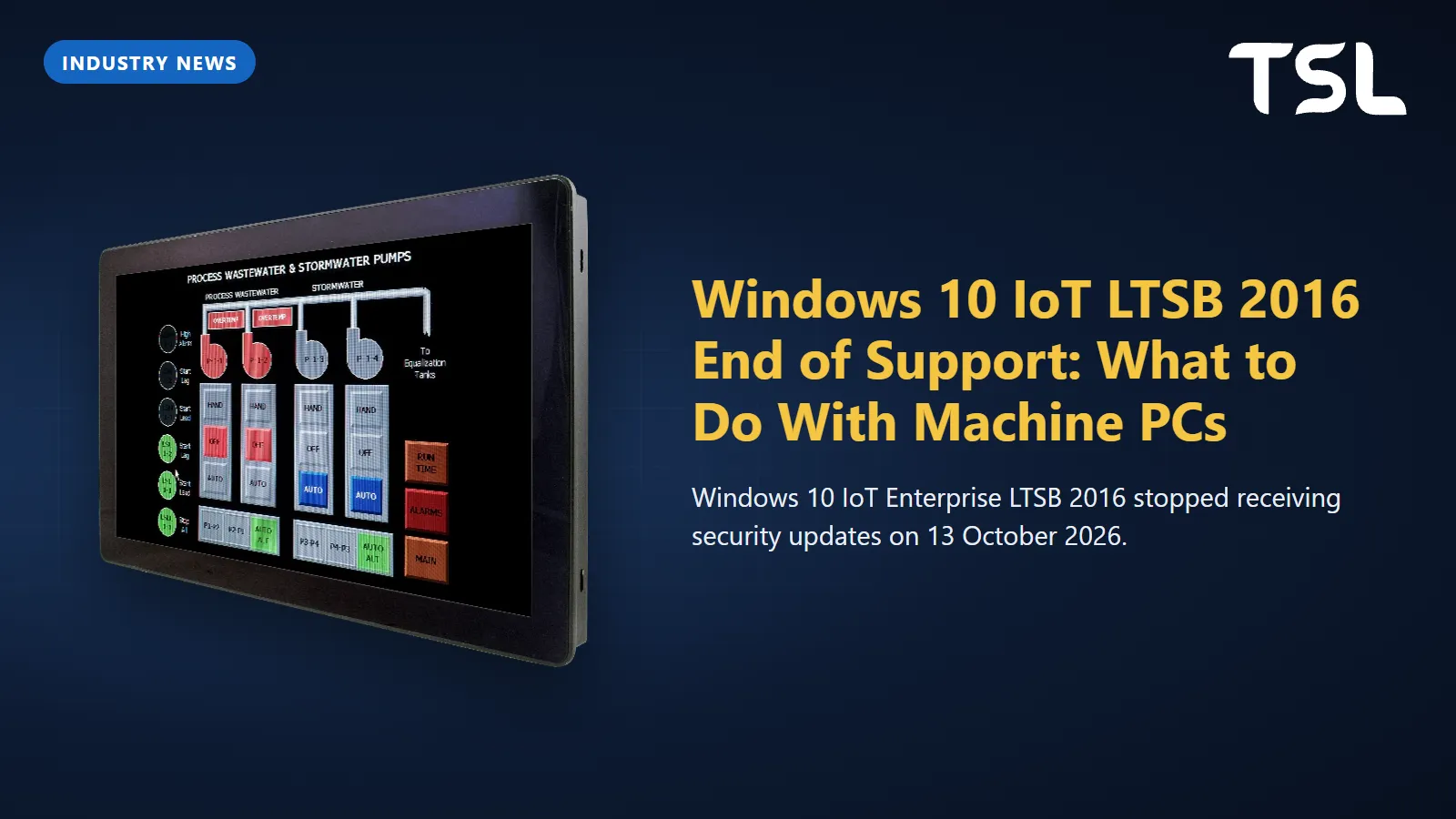
Table of Contents
Windows 10 IoT Enterprise LTSB 2016 is out of support: Microsoft shipped its last regular security update on Patch Tuesday, 13 October 2026, and nothing has followed for ordinary installs since. A panel PC or box PC still running it keeps working, but every newly found Windows vulnerability stays open unless the device maker sells you Extended Security Updates (ESU). The realistic options are an OEM-sold ESU as a bridge, a re-image to Windows 10 IoT Enterprise LTSC 2021 or Windows 11 IoT Enterprise LTSC 2024, or new hardware.
LTSB and LTSC end-of-support dates at a glance
Microsoft's lifecycle tables time-stamp each cut-off in Pacific time, just after the final Patch Tuesday, so depending on your time zone a page such as the Windows 10 IoT Enterprise LTSB 2016 lifecycle page can read a day later than you expect. The table below uses the Patch Tuesday date: the day the last update shipped, and the date Microsoft gives in its end-of-support notice on the Windows IT Pro Blog.
| Release | Support started | Last security update (end of support) | ESU listed by Microsoft |
|---|---|---|---|
| Windows 10 Enterprise LTSB 2016 | 2 Aug 2016 | 13 Oct 2026 (lifecycle) | Yes, three yearly terms to Oct 2029 |
| Windows 10 IoT Enterprise LTSB 2016 | 2 Aug 2016 | 13 Oct 2026 (lifecycle) | Through IoT OEMs only, up to three years |
| Windows 10 Enterprise LTSC 2019 | 13 Nov 2018 | 9 Jan 2029 (lifecycle) | None listed |
| Windows 10 IoT Enterprise LTSC 2019 | 13 Nov 2018 | 9 Jan 2029 (lifecycle) | None listed |
| Windows 10 Enterprise LTSC 2021 | 16 Nov 2021 | 12 Jan 2027 (lifecycle) | Yes, three yearly terms to Jan 2030 |
| Windows 10 IoT Enterprise LTSC 2021 | 16 Nov 2021 | 13 Jan 2032 (lifecycle) | None listed |
| Windows 11 Enterprise LTSC 2024 | 1 Oct 2024 | 9 Oct 2029 (lifecycle) | None listed |
| Windows 11 IoT Enterprise LTSC 2024 | 1 Oct 2024 | 10 Oct 2034 (lifecycle) | None listed |
Two things stand out for anyone running machines. LTSB 2016 is finished in both editions. And the non-IoT Windows 10 Enterprise LTSC 2021 runs out on 12 January 2027, less than two months from now, while its IoT twin carries on to 2032.
IoT vs non-IoT: the same build, five years apart
Windows 10 Enterprise LTSC 2021 and Windows 10 IoT Enterprise LTSC 2021 started support on the same day, 16 November 2021. The Enterprise edition ends on 12 January 2027; the IoT Enterprise edition ends on 13 January 2032. For LTSC 2019 the two editions share an end date (9 January 2029), and for LTSB 2016 both ended together. The 2021 split is the one that catches plants out.
Microsoft's Windows lifecycle FAQ describes the Long-Term Servicing Channel as designed only for specialised devices, giving machines that control medical equipment and ATMs as examples. Industrial panel PCs and machine controllers fit that description, but which clock a given PC is on depends on the licence it was installed with, not on where it is bolted.
To find out which one a machine has:
- Check the licence label on the PC, or the OEM's delivery paperwork, for the edition that was actually sold.
- Be suspicious of PCs that a machine builder or integrator imaged from a volume-licensed Enterprise LTSC ISO. They look identical to an IoT unit at the HMI screen but are on the January 2027 clock.
What Extended Security Updates Microsoft offers for LTSB 2016
Microsoft confirmed paid ESU for both 2016 LTSB editions in its planning post for the 2016 end of support. The terms differ by edition:
- Windows 10 Enterprise LTSB 2016: ESU has been on sale since 1 April 2026 through Volume Licensing or a Cloud Solution Provider. The lifecycle page lists three terms: Year 1 from 14 October 2026 to 12 October 2027, Year 2 to 10 October 2028 and Year 3 to 9 October 2029.
- Windows 10 IoT Enterprise LTSB 2016: ESU is sold only through IoT original equipment manufacturers, for up to three years. Microsoft tells customers to contact the device manufacturer for pricing and availability.
- Pricing structure (both): the price doubles each consecutive year, and ESU is cumulative, so a site that joins in year two also pays for year one.
- What you get: critical and important security updates only. No new features, no non-security quality fixes and no extended technical support.
For an industrial PC the IoT route has a practical catch: the ESU has to come from the OEM that supplied the device. If that company no longer exists or does not take part, the route is closed. Where ESU is available, treat it as time bought for a planned migration, not a destination: the doubling price makes year three the most expensive.
Your options compared
| Option | Security updates until | Hardware change | Effort and cost | Fits when |
|---|---|---|---|---|
| Keep LTSB 2016, isolate the machine | None since 13 Oct 2026 | None | Low now; risk grows every month | The machine has no network connection and a fixed retirement date |
| Buy IoT ESU from the device OEM | Up to three more years, where offered | None | Low effort; price doubles each year | You need 12 to 24 months to plan and budget a replacement |
| Re-image to Windows 10 IoT Enterprise LTSC 2021 | 13 Jan 2032 | None, if the CPU and drivers are supported | Medium: licence, new image, revalidation | Hardware cannot meet Windows 11 needs but has years of life left |
| Re-image to Windows 11 IoT Enterprise LTSC 2024 | 10 Oct 2034 | None, if the CPU and drivers are supported | Medium to high: licence, new image, application checks | Newer hardware with Windows 11 drivers from the board maker |
| Replace with a new panel PC or box PC | 10 Oct 2034 on Windows 11 IoT Enterprise LTSC 2024 | New PC | Highest upfront; one validation for the next decade | The PC is also near the end of its service life |
Microsoft's own recommendation for LTSB 2016 IoT devices, in the same post, is to upgrade as soon as possible to Windows 11 IoT Enterprise LTSC 2024 where the hardware meets the requirements, or to Windows 10 IoT Enterprise LTSC 2021 where it does not.
If you keep a machine on LTSB 2016 for now, reduce its exposure: take it off any network it does not need, block internet access at the firewall, disable unused USB ports, and keep a written list of these machines so they are not forgotten. None of this patches anything, so give the list an end date.
Can an existing PC run Windows 11 IoT Enterprise LTSC 2024?
More often than people expect. Microsoft publishes separate minimum system requirements for Windows IoT Enterprise, with a "preferred" set and a looser "optional" set for specialised devices. For Windows 11 IoT Enterprise LTSC they compare like this:
| Component | Preferred minimum | Optional minimum (LTSC) |
|---|---|---|
| Processor | 1 GHz, 2 cores | 1 GHz, 2 cores |
| Memory | 4 GB | 2 GB |
| Storage | 64 GB SSD | 16 GB (SSD, HDD, eMMC, SD or USB flash) |
| Firmware | UEFI | BIOS |
| TPM | TPM 2.0 | Optional |
| Secure Boot | Enabled | Optional |
So unlike desktop Windows 11, the LTSC IoT edition does not demand a TPM or Secure Boot. Microsoft does warn that leaving out a TPM can break software the end user needs, and that small storage needs monitoring so servicing does not fill the disk. In practice, two things decide whether an old panel PC can make the jump:
- The processor list. Microsoft keeps a supported processor list for each IoT Enterprise release, including Windows 11 IoT Enterprise LTSC 2024, and refers specific hardware questions to the OEM.
- Drivers. The board maker has to publish Windows 11 drivers for the chipset, graphics, touch controller, serial ports and any add-in I/O cards. A missing driver for a fieldbus or motion card ends the discussion faster than any CPU rule.
Treat the move as a re-image project: build a new image, reinstall the HMI or SCADA runtime, and repeat the acceptance tests you ran when the machine was commissioned.
A migration checklist for machine PCs
- List every Windows PC on the shop floor: model, CPU, Windows edition and release, licence type, and the application it runs.
- Separate IoT from non-IoT licences. Anything on non-IoT Enterprise LTSC 2021 needs a plan before 12 January 2027.
- Check each CPU against Microsoft's processor list for the target release.
- Ask the HMI, SCADA and machine software vendors which Windows release they support, in writing.
- Ask the PC or board maker for Windows 11 drivers and a BIOS that supports UEFI and TPM 2.0 if the hardware has them.
- Build the image on one machine, run your factory acceptance test, and record the result.
- Decide how updates will reach machines that have no internet access, and who approves them.
- Keep a recovery image and spare storage for each machine type.
What about HMIs?
Not every operator panel runs Windows. The Cermate HMI panels in our catalogue are listed as RTOS-based and are configured with PM Designer, so Windows lifecycle dates do not apply to the panel itself. The Windows machine that matters there is the engineering laptop used to edit and download projects, which follows the ordinary Windows lifecycle. Our PM Designer guide covers the software side. Where the HMI is a Windows panel PC running a visualisation runtime, everything in this article applies.
Replacement panel PCs and box PCs that list Windows 11 support
If the hardware is due as well, these Avalue models list Windows 11 among their supported operating systems and carry a TPM 2.0 on board. Specify Windows 11 IoT Enterprise LTSC 2024 when you ask for a quote, and confirm the OS image and licence with us at order: the spec sheets list "Win11", not a particular edition.
| Model | Type | Processor (spec sheet) | TPM | OS support listed |
|---|---|---|---|---|
| ARC-1542 | 15" XGA (1024x768) resistive-touch fanless panel PC | 13th Gen Intel Core 3/5/7 (Raptor Lake-PS) | Onboard TPM 2.0 | Win10 / Win11 / Linux |
| ARC-15W42 | 15.6" Full HD PCAP fanless panel PC | 13th Gen Intel Core 3/5/7 (Raptor Lake-PS) | Onboard TPM 2.0 | Win10 / Win11 / Linux |
| ARC-21W42 | 21.5" Full HD PCAP fanless panel PC | 13th Gen Intel Core 3/5/7 (Raptor Lake-PS) | Onboard TPM 2.0 | Win10 / Win11 / Linux |
| FPC-21W42 | 21.5" Full HD PCAP panel PC with a PCIe x16 Gen4 slot | 13th Gen Intel Core i3/i5/i7 (LGA1700) | TPM 2.0 | Win10 / Win11 / Linux |
| APC-2346 | 23.8" Full HD PCAP fanless panel PC | Intel Core Ultra 5 125U | Onboard TPM 2.0 | Win11 / Linux |
| EPC-TWL | Fanless compact box PC | Intel N150 (default), N250 or Core 3 N355 (optional) | Onboard TPM 2.0 | Win11 / Linux |
If your current HMI screens are drawn for 1024x768 with resistive touch, the ARC-1542 keeps both, so screen layouts and glove operation stay as they are. For a control cabinet, the EPC-TWL box PC drives a separate display; see our EPC-TWL overview. For how the TPM and Secure Boot fit together, read Secure Boot and TPM on industrial PCs, and for the budget case between ESU and replacement, our industrial PC total cost of ownership guide sets out the costs to compare.
How TSL can help
TSL Automation Solutions in Mumbai has been an authorised Avalue distributor since 2015 and ships worldwide. For machines coming off LTSB 2016 we can quote the ARC, FPC and APC panel PC lines and the EPC compact box PCs with Windows 11 support. If you are still choosing a form factor, start with how to choose an industrial panel PC, narrow the list in the product finder, and put two or three models side by side in the compare tool.
Send us the model numbers and quantities and we will reply with availability and lead time within one business day.
Frequently Asked Questions
TSL Automation Solutions
Head of Marketing, TSL Automation Solutions
Sanjana covers industrial automation trends, product launches, and technology insights for TSL Automation Solutions, a Mumbai-based distributor of HMI, Panel PC, and embedded computing systems serving manufacturers across India and globally.
Need help choosing the right product?
Our team in Mumbai can recommend the right HMI, Panel PC, or embedded system for your application.
Contact TSL Automation