Rugged Tablets in Manufacturing: Where They Beat a Fixed Panel PC
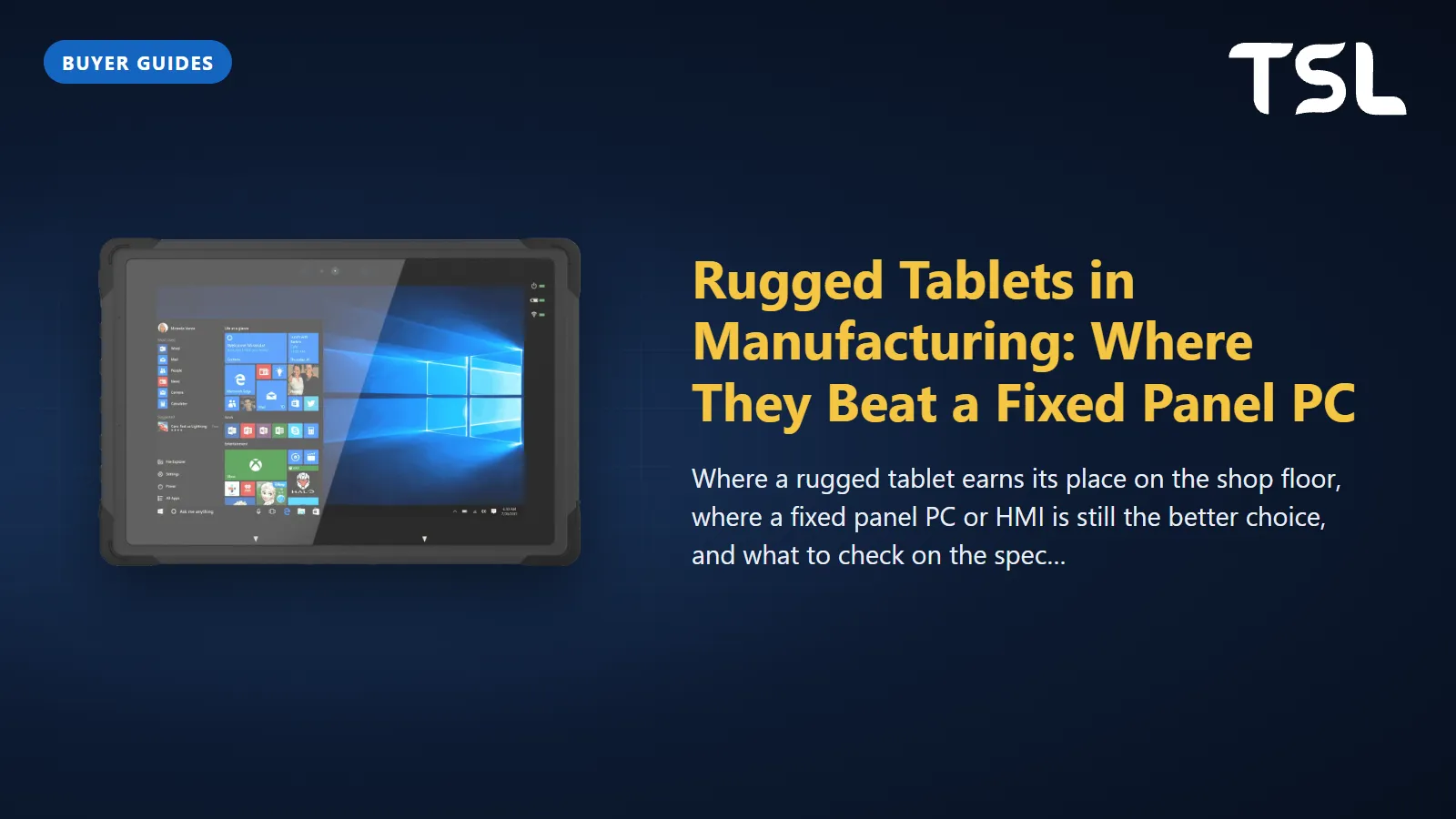
Table of Contents
A rugged tablet beats a fixed panel PC in manufacturing whenever the work moves: maintenance rounds, stores and warehouse picking, quality checks at the line and commissioning, where the screen has to go to the machine rather than the person to the screen. A fixed panel PC still wins for a permanent operator station that must be powered, wired and available around the clock, and an HMI remains the right tool for direct, machine-side PLC control.
The useful question is not "tablet or panel PC" but "which jobs on this site are mobile". This guide compares the three device types honestly, walks through the use cases where a tablet pays back, and lists what to check on the specification sheet before you buy.
What makes a tablet rugged
A consumer tablet in a thick case is not a rugged tablet. The differences that matter on a shop floor are:
- Ingress protection: IP65 means dust tight and protected against low-pressure water jets (6.3 mm nozzle) from any angle. IP66 adds protection against high-pressure jets (12.5 mm nozzle), and IP67 covers immersion to 1 m for 30 minutes (IP rating definitions). For coolant splash and dusty bays, IP65 is the practical minimum.
- Drop and shock testing: MIL-STD-810 is a set of test methods (Trenton Systems), so a "MIL-STD-810" label alone tells you little. Method 516 Procedure IV, the transit drop, physically drops the item onto a hard surface to represent accidental drops during handling (DES). Ask which procedure was run, from what height, onto what surface and how many drops.
- A screen you can read: high brightness for bright bays and near windows, and touch that still works with wet fingers or gloves.
- Battery you can change: a hot-swap battery lets a device run across shifts without going back to a charger.
- Data capture: an optional 1D/2D barcode reader, NFC and a rear camera with autofocus turn the tablet into a data-collection tool, not just a screen.
- Docking: a cradle or vehicle dock that charges the tablet and gives it wired LAN and USB at a desk or on a forklift.
Rugged tablet vs panel PC vs HMI
The three device types overlap less than they appear to. Here is how they compare on the points that decide a factory purchase. Examples are from products we supply, with specifications taken from their records.
| Rugged tablet | Industrial panel PC | HMI panel | |
|---|---|---|---|
| Where it lives | Carried by a person; docked between jobs | Panel cutout, VESA arm or enclosure door | Machine control panel cutout |
| Power | Battery, charged in a dock | Permanent DC supply | Permanent 24 V DC supply |
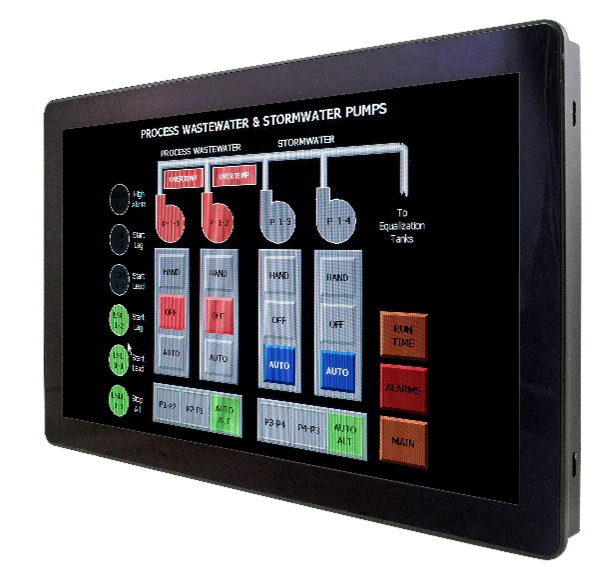
| Typical protection | Whole-device sealing, e.g. IP65 on the CAXA0-10AN | Usually front only: the ARC-15W42 is IP65 front and IP41 rear; washdown models like the SPC-1533-B1 are IP66/IP69K whole system | Front panel, e.g. IP65 on the IPM210 when mounted in a panel at least 2 to 3 mm thick |
| Wired I/O | Few ports: USB, one LAN; more through the dock | LAN, USB, serial (RS-232/422/485), expansion slots | Serial and Ethernet to PLCs |
| Software | Windows or Android apps, browser-based MES and CMMS screens | Full Windows or Linux: SCADA clients, MES, vision, databases | HMI runtime built in a configuration tool such as PM Designer |
| PLC connection | Over Wi-Fi to a server or gateway | Direct or over the plant network | Direct, with built-in PLC drivers |
| Main risks | Drops, loss, battery wear, Wi-Fi gaps | Fixed position, installation work | Limited computing for non-HMI tasks |
| Best for | Rounds, picking, inspection, commissioning | Line-side workstations, SCADA, MES terminals | Operating one machine |
If you are still deciding between the fixed options, our guides on HMI vs panel PC and industrial tablet vs panel PC cover the trade-offs in more detail.
Four jobs where a rugged tablet wins
1. Maintenance rounds and inspections
Preventive maintenance is walked, not sat. A technician on a lubrication or vibration round needs the checklist, the last work order and the drawing at the machine, and needs to record readings and photos there. A fixed terminal at the end of the bay forces paper notes that are typed in later, if at all. A tablet with a rear autofocus camera puts the photo evidence straight into the CMMS record, and the barcode or NFC tag on the asset confirms the technician was actually at the right machine.
2. Stores, warehouse and line-side logistics
Goods receipt, put-away, cycle counts and kitting all happen at the rack. Here a tablet with an integrated 1D/2D scanner competes with a handheld mobile computer; the tablet wins when the user also needs a larger screen for pick lists, drawings or quality documents. Shift length decides the battery strategy: a hot-swap battery or a spare pool, plus a dock where the tablet lives when it is not in use. A forklift- or cart-mounted dock turns the same device into a vehicle terminal.
3. Quality inspection at the line
First-article checks, patrol inspections and non-conformance reports start at the machine. The inspector photographs the defect, scans the batch or work order, fills in the measurement and raises the NCR without walking to a QC office. A 10-inch screen at full HD is large enough to read a drawing and zoom into a tolerance callout, which a phone is not. Where inspection records are regulated, a Windows or Android tablet running the same validated web application as the office PCs keeps one system of record.
4. Mobile HMI and commissioning
During commissioning and fault-finding, engineers walk between the machine, the drive cabinet and the PLC cabinet. A tablet that shows the HMI screens and alarms lets one person check a sensor at the far end of the line while watching the state change. Cermate's HMI in Hand app is one example: Cermate describes it as real-time remote facility management for its edge boxes and HMIs, with monitoring over the internet and machine control over an intranet (App Store listing). Keep safety functions where they belong: emergency stops, guarding and safety interlocks stay hardwired at the machine, and remote control from a tablet should be limited by role and by location.
Where a fixed panel PC still wins
A tablet is the wrong answer when any of these apply:
- The station is permanent. An assembly cell, a packing station or a SCADA client that is used every few minutes all shift is better served by a screen that is always on, always powered and always in the same place.
- The area is washed down. Food and pharma lines that are washed down need a whole-system IP66/IP69K stainless enclosure such as the SPC-1533-B1; see our IP69K washdown guide.
- The PC needs I/O. Serial devices, multiple networks, a barcode printer and expansion cards point to a panel PC such as the ARC-15W42, with dual 2.5GbE, RS-232/422/485 and M.2 expansion.
- Losing the device would stop the line. A tablet can be dropped, borrowed or left flat. A panel PC is bolted to the machine.
Most plants end up with both: fixed panel PCs and HMIs at the stations, and a pool of tablets for the people who move between them.
What to check on the specification sheet
- IP rating of the whole device, and of the dock: a desk cradle is often far less sealed than the tablet.
- Drop test details: method, height and surface, not just "MIL-STD-810".
- Operating temperature against your hottest bay and any cold store.
- Screen brightness in nits and touch behaviour with gloves.
- Battery: rated hours, hot-swap or not, and the price of spares.
- Wireless: Wi-Fi generation against your access points, and whether you need cellular.
- Operating system: Windows for existing desktop software, Android for purpose-built apps; plan device management either way.
- Accessories: hand strap, shoulder strap, vehicle dock, charging station and screen protector.
The rugged tablets we supply
Our rugged tablets come from Avalue's healthcare line. That sounds odd for a factory, but the engineering a hospital demands (sealed housings that survive cleaning, drop resistance, hot-swap batteries, docking) is what a shop floor needs too. The medical certification is an extra you do not need on a production line; the ruggedness specifications are what you are buying.
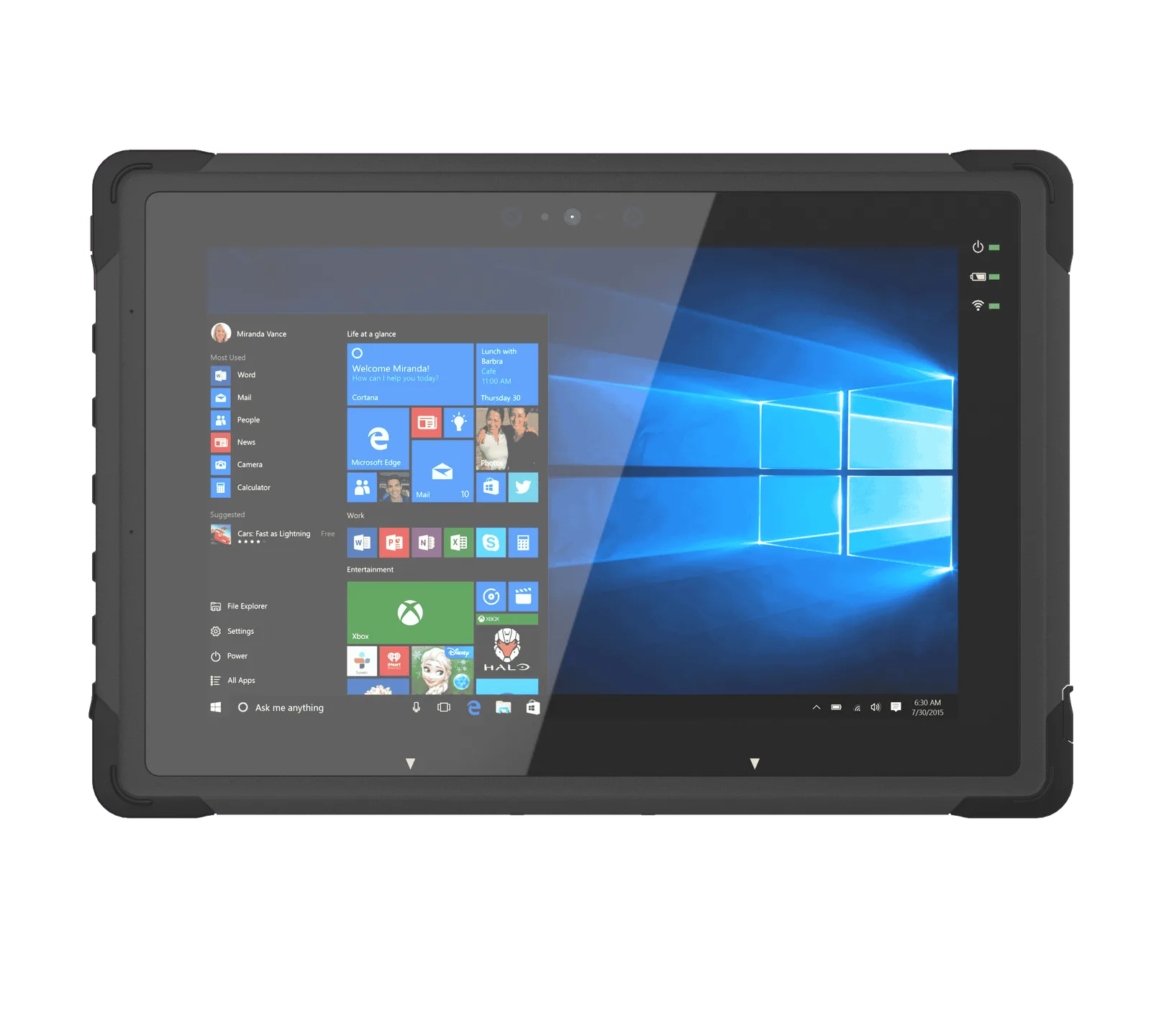
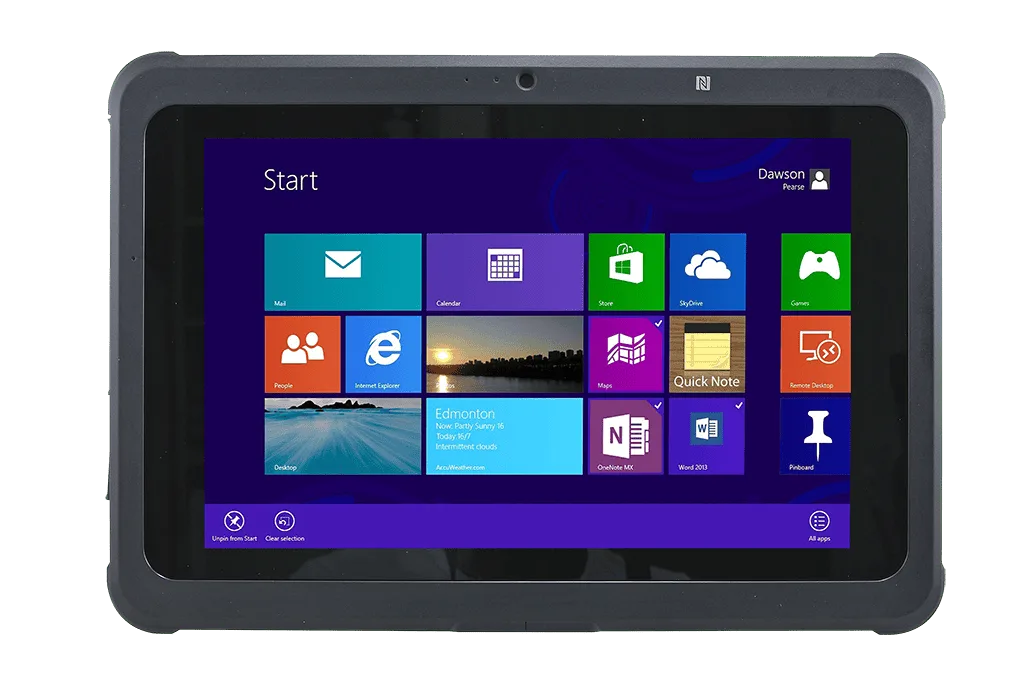
- CAXA0-10AN (new): 10.1-inch 1920 x 1200 IPS at 800 nits, Intel N100 (N200 optional), IP65, MIL-STD-810G with 1.5 m drops, hot-swap battery rated up to 7 hours, Wi-Fi 6E and Bluetooth 5.3, 2 MP front and 8 MP rear autofocus cameras, optional 1D/2D barcode reader, -10 to 50°C operating, about 990 g.
- CAXA0 (Avalue calls it semi-rugged): 10.1-inch 1280 x 800 with Gorilla Glass, Intel Celeron N3350/N4200, IP65, 4-foot drop on concrete per MIL-STD-810G 516.6 Procedure IV, optional barcode scanner, Windows 10 IoT (with NFC) or Android (without NFC), 0 to 40°C operating.
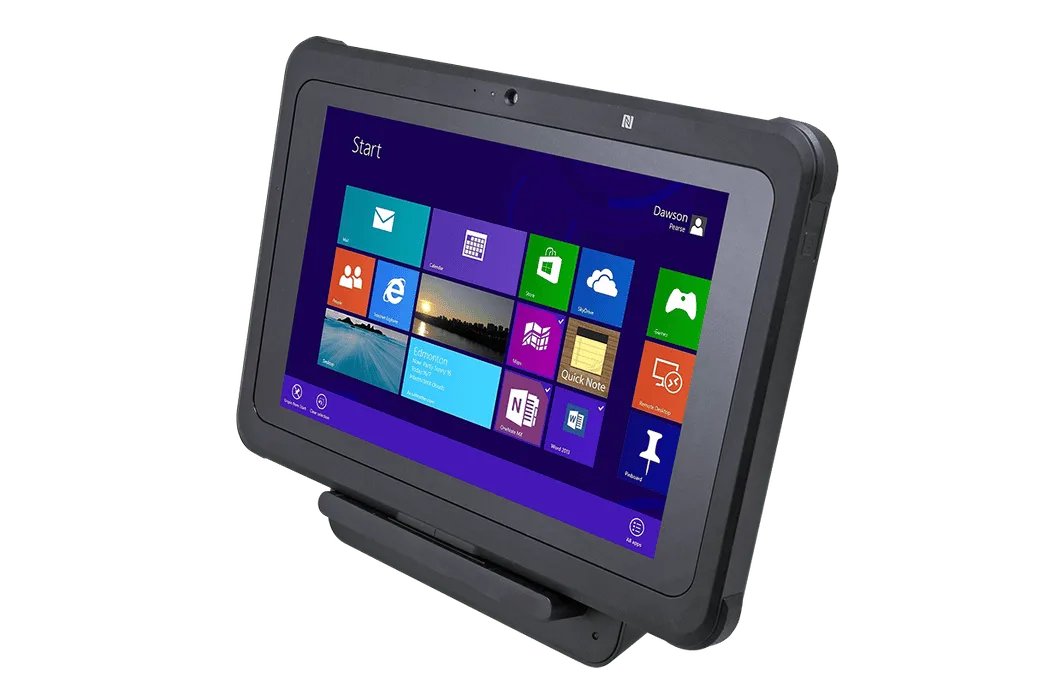
- CAXA0-DC: desktop cradle for the CAXA0 with three USB 2.0 ports and 10/100 LAN. It is rated IPX1, so it belongs in a supervisor's office or stores counter, not at a wet machine.
For the fixed side of the same site, see the ARC-15W42 panel PC, the SPC-1533-B1 stainless panel PC for washdown, and Cermate HMIs such as the IPM210, all with specifications on their product pages. Our IP rating guide explains the codes in more depth.
How TSL can help
TSL Automation Solutions, based in Mumbai, has been an authorised Avalue and Cermate distributor since 2015 and ships worldwide. For a mixed fleet we supply the CAXA0 family rugged tablets and docks, Avalue industrial and stainless steel panel PCs, and Cermate HMI panels programmed with PM Designer (our PM Designer guide covers the software). You can also shortlist fixed panel PCs with our product finder.
Send us the model numbers and quantities and we will reply with availability and lead time within one business day.
Frequently Asked Questions
TSL Automation Solutions
Head of Marketing, TSL Automation Solutions
Sanjana covers industrial automation trends, product launches, and technology insights for TSL Automation Solutions, a Mumbai-based distributor of HMI, Panel PC, and embedded computing systems serving manufacturers across India and globally.
Need help choosing the right product?
Our team in Mumbai can recommend the right HMI, Panel PC, or embedded system for your application.
Contact TSL Automation